
Home / Products & Solutions / Primary and Secondary Education Sector

The Challenges We Face in Education
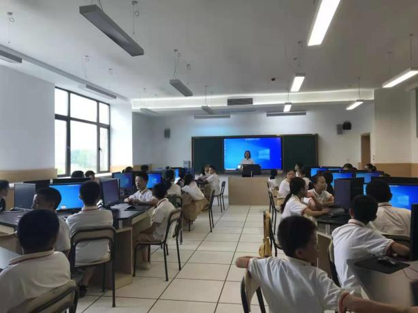
Software/OS Updates Accelerate PC Replacement

Continuous updates of teaching software and operating systems increase hardware requirements

Aging computers struggle to support new applications and learning scenarios

Frequent device upgrades increase investment pressure and lifecycle costs

Complex Endpoint Environments and Difficult Management

Computer labs contain a large number of devices with different brands and configurations

Lack of standardized environments makes unified management difficult

Troubleshooting, maintenance, and asset management become increasingly complex
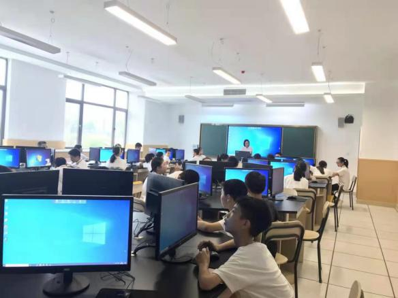
Inefficient Lab Environments Impact Teaching Experience

Traditional lab systems require complex deployment and configuration

Teaching environments are difficult to maintain and restore

System changes or improper operations can easily disrupt learning activities
Low Resource Utilization and Rising Operational Costs

Computer lab resources are often idle outside peak usage periods

Hardware investments cannot be fully utilized
Daily maintenance requires significant manpower and effort

The value and outcomes of IT infrastructure investments are difficult to measure and demonstrate

Solution Overview
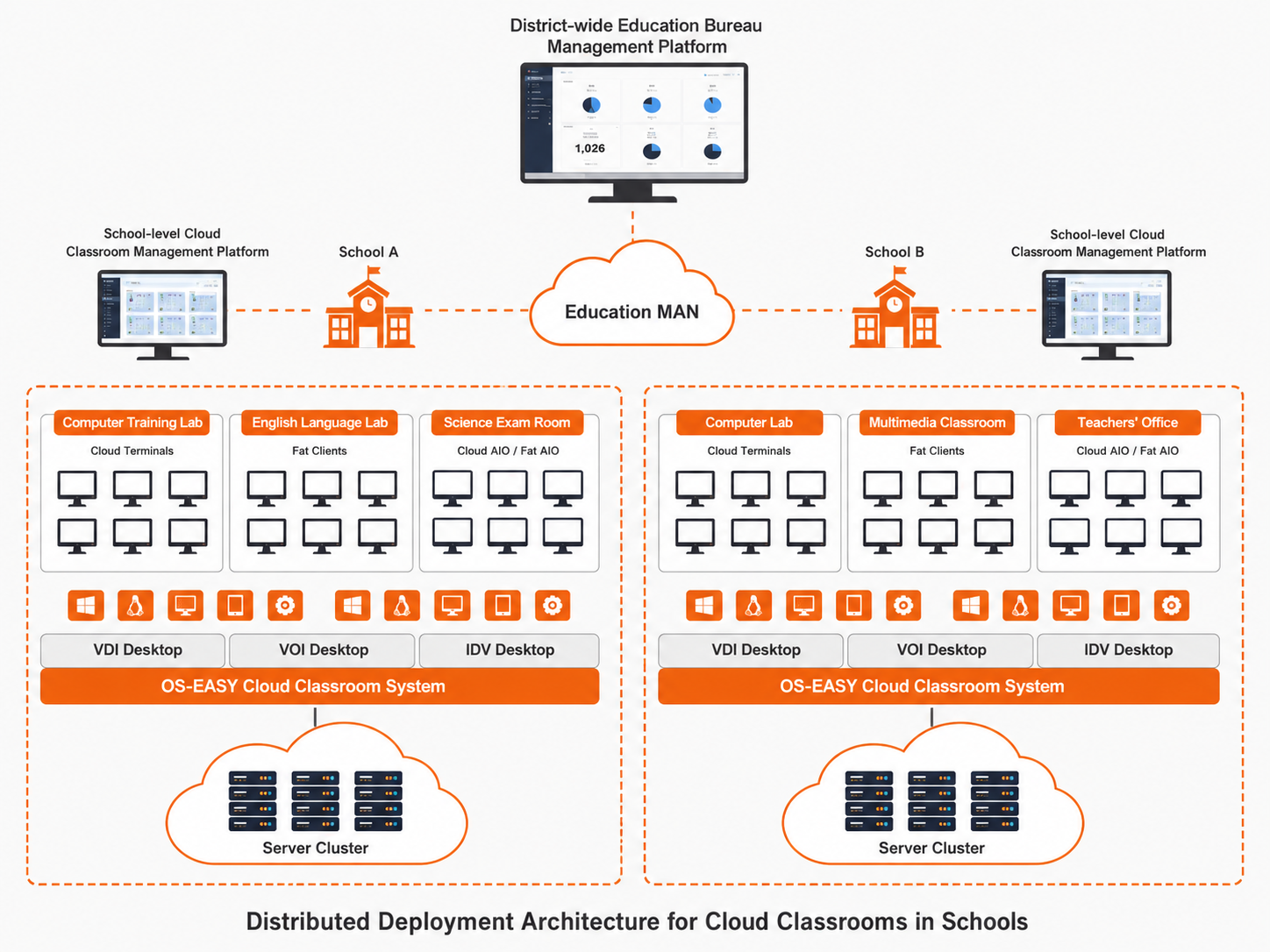
OS-EASY, the regional integrated cloud classroom solution for education bureaus, includes a two-tier deployment architecture of education bureaus and schools. It integrates three desktop technologies: VDI, VOI, and IDV, and delivers teaching environments with different desktop architectures to meet the needs of different teaching scenarios. It covers application scenarios such as computer classrooms, multimedia classrooms, examination rooms, experimental training rooms, and teacher offices in primary and secondary schools, promoting the deep integration of modern information technology and basic education.

Advantages of the Solution

Unified Management Across Campuses

A single cloud platform enables centralized management of cloud classrooms across campuses, covering teaching, exams, and office scenarios, with full visibility into IT deployment and usage.

Cloud-Based Classrooms for Efficient Teaching

Cloud terminals replace traditional PCs, enabling rapid desktop delivery and batch system updates. Teaching templates can be automatically switched based on class schedules, with full support for AI, 3D, foreign language, and other courses.

Exam Environments, Ready with One Click

Exam environments are quickly deployed and can be instantly reclaimed after completion. Offline cache startup ensures stable operation even during server or network failures, safeguarding both exams and daily teaching.

Silent Updates, Zero Disruption to Teaching

Image updates and software upgrades are completed in the background without interrupting classes. Students simply reboot to access the latest environment—no downtime, no distractions.

Automated Fault Recovery, Minimal O&M

Scheduled restore policies ensure that a simple reboot restores systems to their initial state. Faulty terminals can be remotely repaired with one click, significantly reducing O&M burdens.

Hyper-Converged Architecture with Distributed Storage

Data can be stored in multiple copies thanks to the multi‑copy redundancy mechanism. If any copy fails, the system can quickly restore data from the remaining copies, ensuring high availability and data integrity.

User Values

Enriching Innovative Teaching Methods

Based on course content, you can deploy personalized teaching environments and quickly switch between courses. This supports a variety of teaching methods, including electronic roll call, screen broadcasting, and in‑class assessments.

Breaking Information Silos and Enabling Mobile Working

Teachers cannot access lesson plans and materials anytime during class. They often use USB drives to copy courseware, but connecting external devices can introduce viruses and security risks, which may easily lead to teaching accidents.

Lowering Technical Barriers for O&M Staff

With a cloud-based environment, O&M incidents are greatly reduced. Daily maintenance can be performed through a simple management console, lowering the technical skills required of teachers.

Promoting Resource Balance and IT Modernization

A visual dashboard displays regional school cloud desktop classrooms, terminal usage, and asset statistics, enabling on‑demand resource allocation, hierarchical deployment, and global O&M. A single platform manages multiple architecture terminals across the region, providing unified resource scheduling, remote power on/off, and command push.

Simplified Teaching Management

Screen monitoring, along with whitelist/blacklist controls for peripherals, networks, and applications, allows you to effectively manage student behavior.

Support PC Repurposing

Multi‑brand, multi‑batch computers can be integrated into the platform for unified management.

Customizable System Restore Policies

Administrators can define custom system restore policies to set desktops to reset on every reboot. This ensures that each desktop always reverts to its original clean environment upon restart, providing consistent performance and eliminating the need for manual recovery.

Lower O&M Costs and Create a Green, Quiet Teaching Environment

With low cost, easy maintenance, and low power consumption, cloud terminals significantly reduce total IT governance costs over the long term – making them a cost‑effective investment that also promotes a greener, quieter classroom.